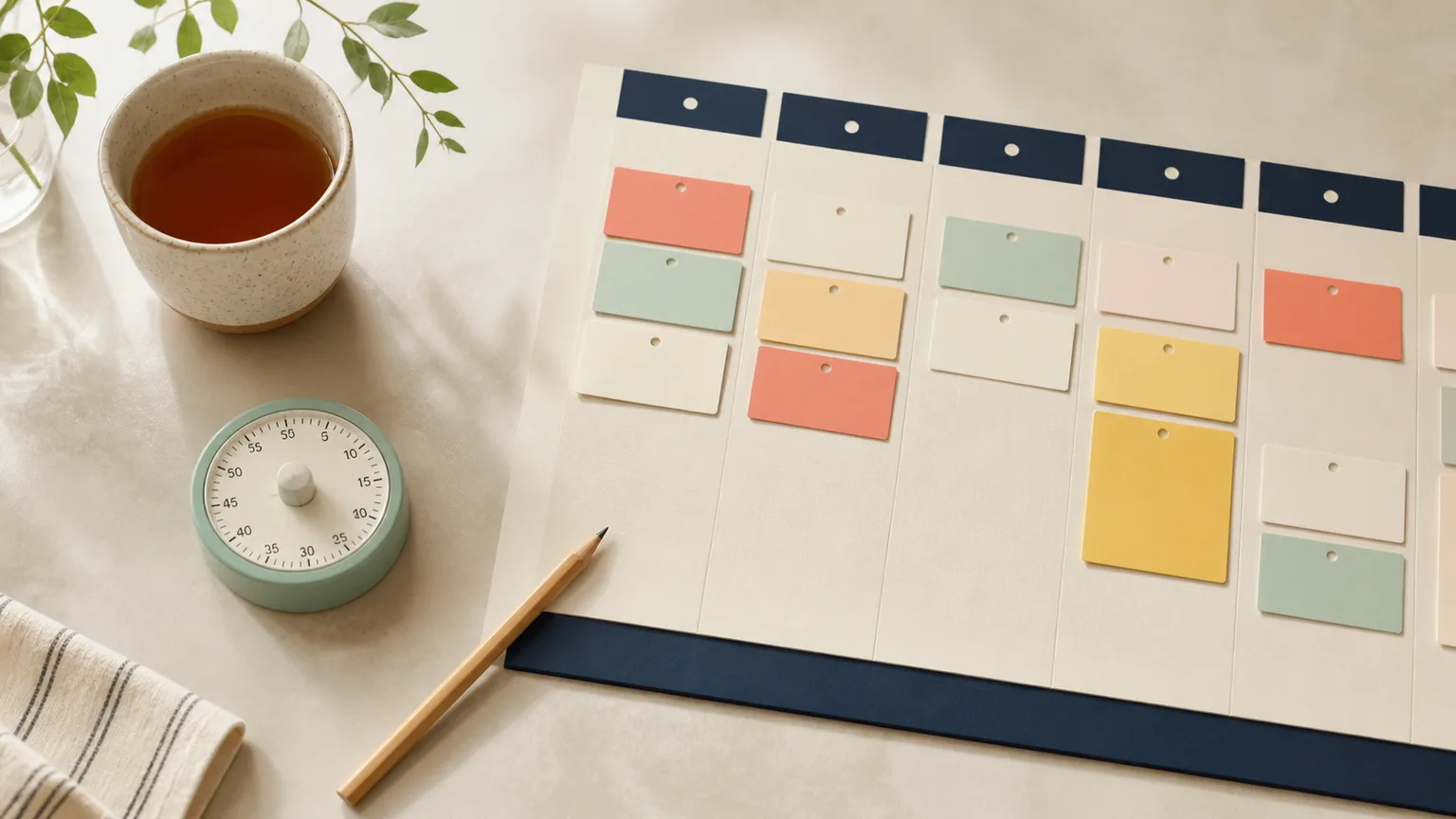
To prevent a to-do list from creating overwhelm, separate capture from commitment: keep one complete backlog, then move only one priority, up to three maintenance tasks, and a minimum version into today’s view.
A list should help you choose, remember, and return. When it displays every possible responsibility at once, it becomes an inventory rather than a decision tool. The solution is not deleting important tasks; it is giving each layer a different job.
Why one giant list creates more decisions
Long lists mix projects, actions, ideas, appointments, and emotional reminders. Items with different time horizons appear equal, while vague labels such as “taxes” or “website” hide many steps. Every glance requires a fresh sorting process.
Overwhelm grows when “on the list” silently means “should happen today.” A clear boundary between capture, later, and today turns the list back into a support tool.
- It contains projects and next actions in the same format.
- You copy unfinished items into a new list every morning.
- You cannot tell which items are commitments for today.
- Checking something off briefly reveals dozens of unrelated tasks.
Build a three-layer list
Give every task one home, then use small views to make choices visible.
1. Choose one capture inbox
Use one notebook page or digital inbox for new tasks. Capture quickly without organizing in the moment, then review at a predictable time.
2. Separate projects from actions
A project needs more than one step. Write the project on a reference list and give the action list only the next visible move.
3. Create a short today card
Choose one priority and up to three maintenance tasks after checking real appointments and capacity. Everything else remains safely in the backlog.
4. Add a minimum version
Write what counts if the day changes: one email, one document gathered, or five minutes of setup. This prevents adaptation from feeling like defeat.
5. Close with a return note
At the end of the day, record what changed and the next action. Move only genuine commitments; do not automatically carry every item forward.
Turn broad list items into usable actions
| Situation | Unhelpful default | Kinder experiment |
|---|---|---|
| Taxes | Keep “taxes” on today’s list | Project list: taxes; today action: download January statement |
| Website | Copy the whole project every day | Today action: approve the mobile homepage headline |
| Clean home | Treat every room as one task | Clear the kitchen counter; keep other rooms in Later |
| Use “inbox zero” as the finish line | Reply to the two messages blocking other people |
Turn the method into a seven-day experiment
Do not rebuild your entire routine around one article. Choose one recurring situation where to do list overwhelm is relevant, and test the method for seven days or three real attempts. Keep the scope stable enough to learn from it.
- Record the starting condition. Note the time, available energy, environment, and the specific result you need.
- Begin with “Choose one capture inbox.” Use the smallest version that still touches the real situation.
- Practice “Create a short today card.” Change only one important condition rather than optimizing everything at once.
- Close with “Close with a return note.” Leave evidence that makes the next attempt easier.
Measure friction, not personal worth
Use a tiny log with four fields: time to begin, number of unplanned switches, whether a visible result was produced, and how easy the task was to return to. A one-to-five “starting friction” rating can be useful when it describes the situation rather than your character.
At the end of the experiment, keep the part that reliably reduced friction, adapt the part that did not fit, and remove anything that created extra maintenance. One good outcome is a clearer explanation of what blocks the task—even when output does not immediately increase.
Adapt it to your environment
Planning experiments work best when the plan stays smaller than the work. Keep one trusted backlog, show only current commitments, and review at a predictable time. If maintaining the system takes more attention than it saves, remove a layer before adding a new tool.
What commonly goes wrong
- Using several capture places: scattered reminders create searching. Give one inbox the capture job.
- Decorating before deciding: colors and labels help only after the next action is clear.
- Rolling everything forward: review relevance instead of turning yesterday’s wish list into today’s obligation.
A lower-capacity version
Use a card with one essential action, one maintenance task, and one explicit rest or recovery need. Leave the full backlog closed until the next planned review.
Evidence, limits, and when to seek support
This guide offers educational planning ideas, not mental-health treatment. The World Health Organization’s stress guidance emphasizes practical coping skills, routine, sleep, connection, and appropriate professional support. If stress, exhaustion, avoidance, or concentration problems are persistent, worsening, or significantly disrupting daily life, consider speaking with a qualified healthcare professional.
For a broader system, use our daily focus planner. If beginning is the main obstacle, try the task-paralysis reset. To protect attention after starting, read how to stop being distracted.
To-do lists and overwhelm: common questions
How many tasks should be on today’s list?
Start with one priority and up to three maintenance tasks. Add more only if the list still clarifies rather than pressures.
Should I delete old tasks?
Review whether each is still relevant, belongs to someone else, or needs a later date. Deleting an obsolete intention is useful maintenance.
Is paper or digital better?
Choose the tool you reliably see and retrieve. A hybrid works when each tool has one job rather than duplicating the entire list.
What if every task is urgent?
Write the consequence and deadline beside each item. Choose the nearest real consequence or the action that unlocks the others.
Your kind next step
Create four headings—Priority, Maintenance, Minimum, and Later—and move only today’s real commitments beneath the first three. If you want help naming today’s strongest friction, take the private Focus Map quiz.